 LOCK
LOCK


 01
01 03
03 04
04 06
06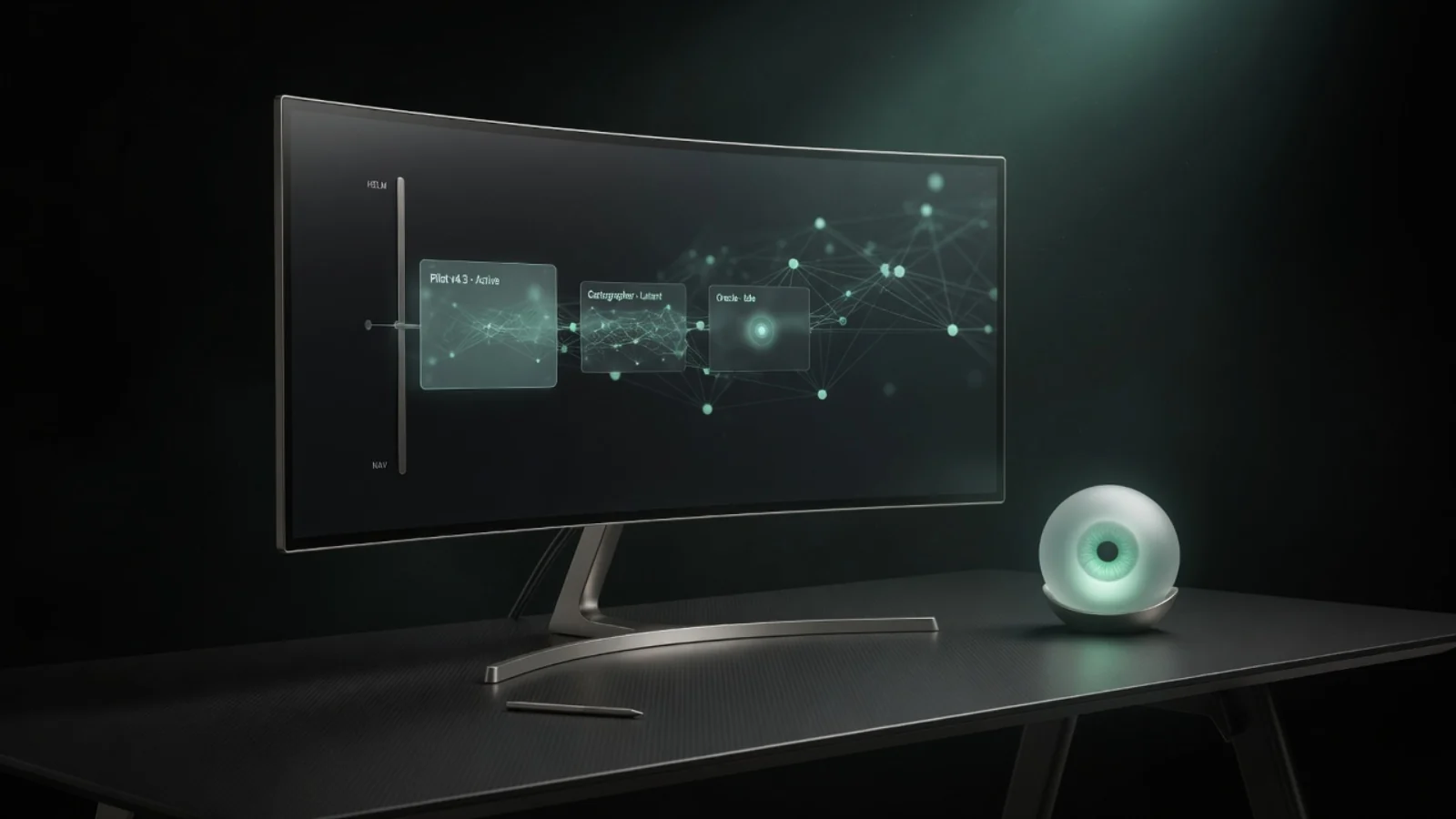 07
07 08
08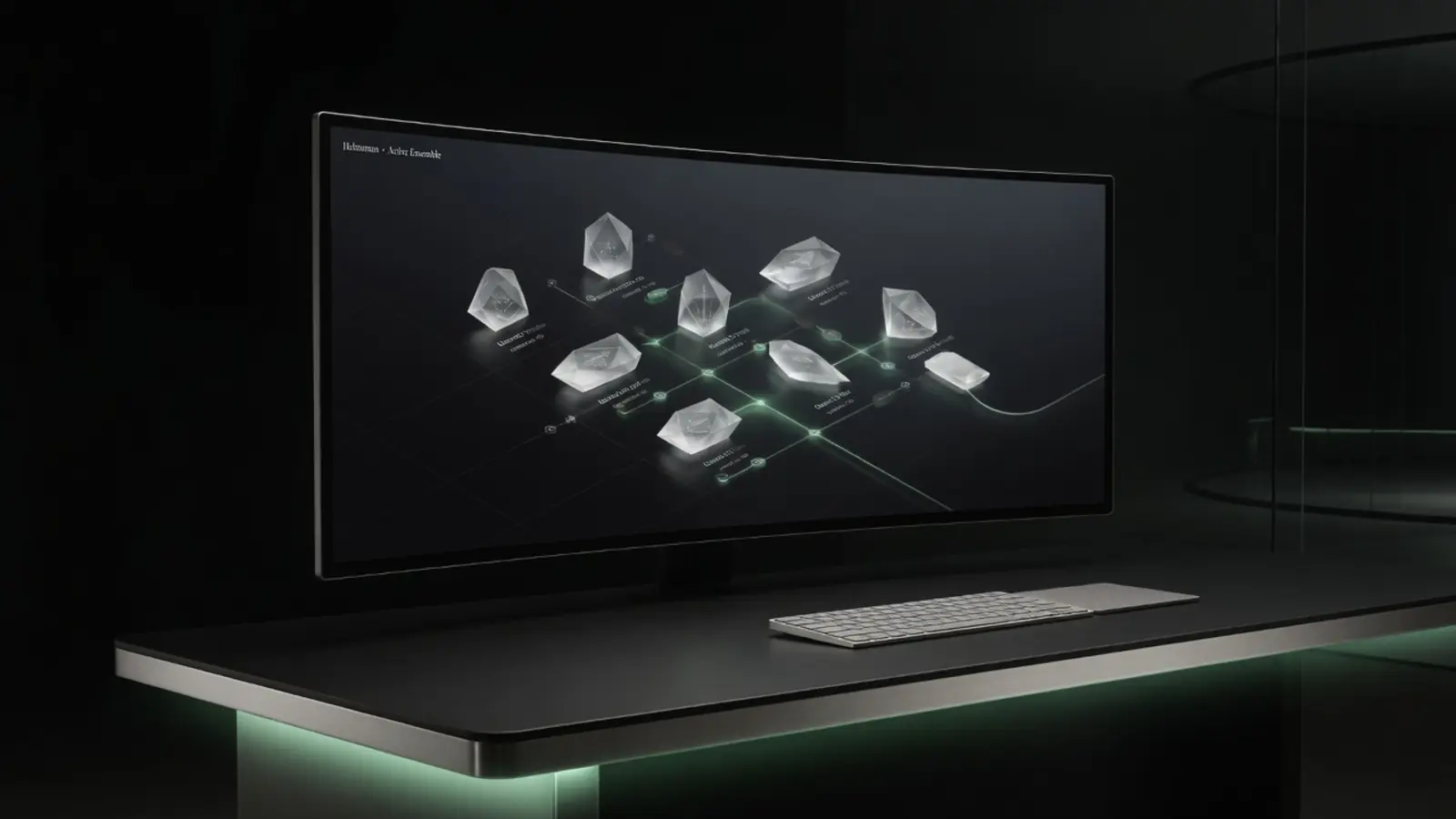 09
09 10
10 11
11 12
12 13
13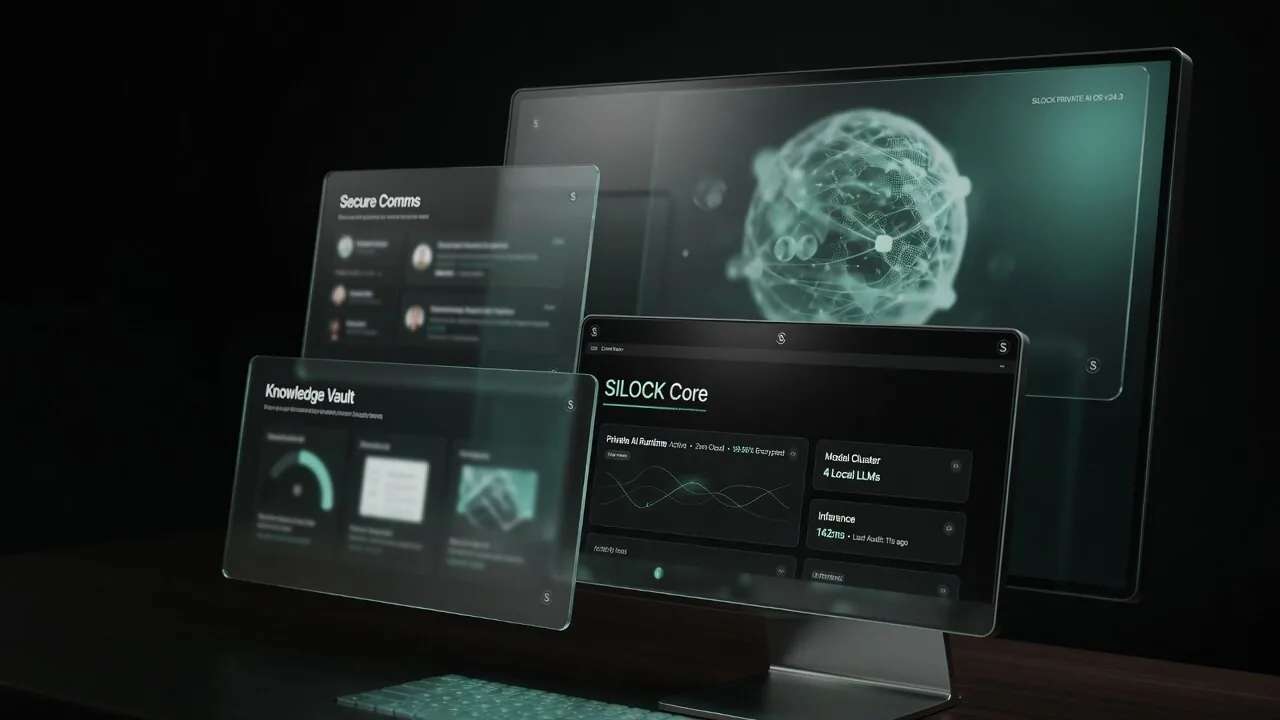 17
17 18
18 20
20
Self-hosted AI ona real desktop
Self-hosted AI is more than a server container — it is a desktop you live in. Learn self-hosted local models, agents, and how S◉LOCK packages the private AI workstation path.
Self-hosted ≠ only Docker on a VPS
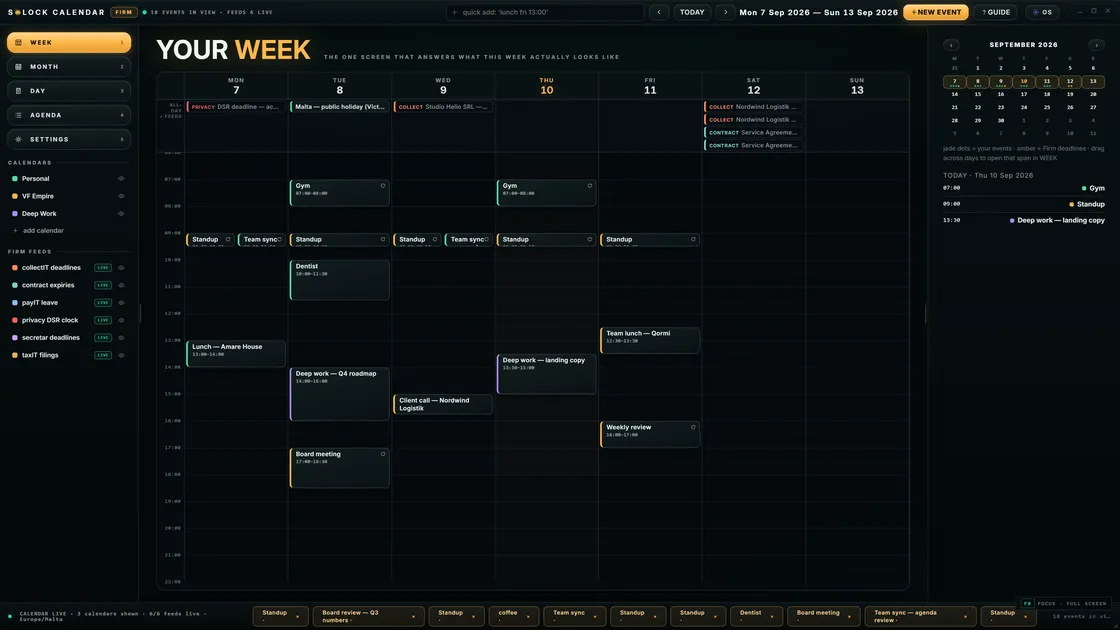
Many guides stop at a remote GPU box you still SSH into. A self-hosted AI desktop means the machine you work on daily can think privately — models, agents, and files in one sovereign environment.
Building blocks
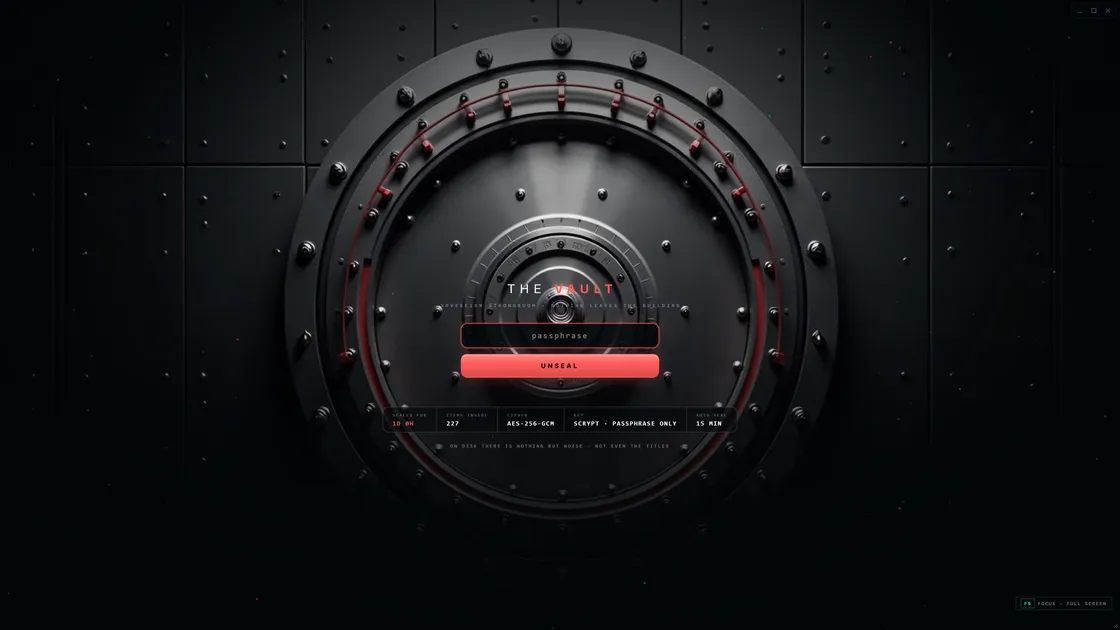
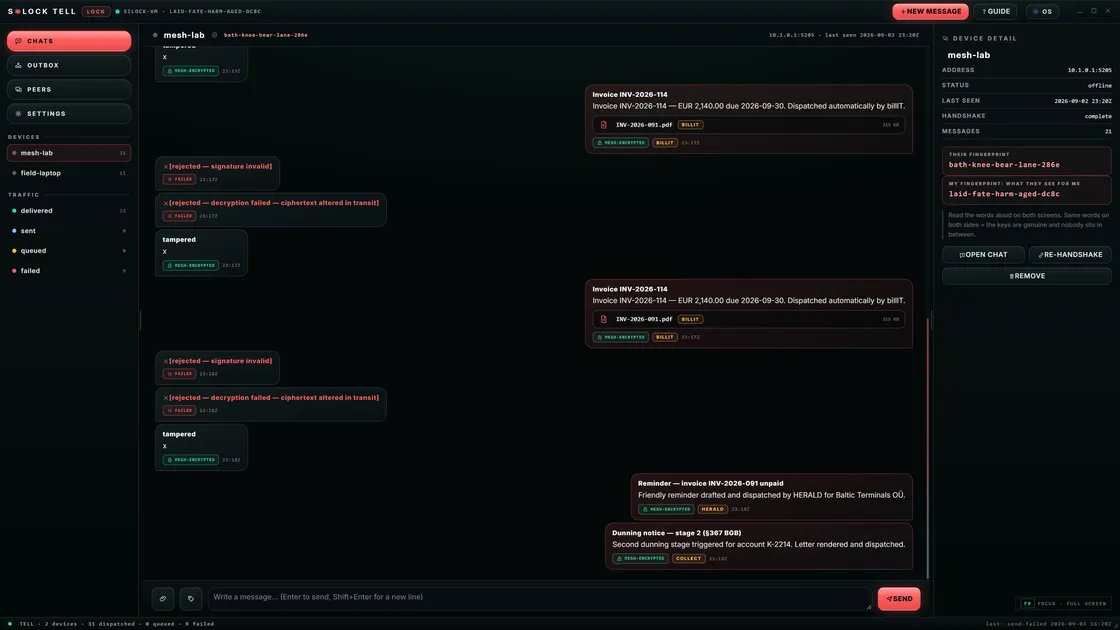
Model runtime, catalog of weights, agent tooling, storage, backups, and clear security boundaries. DIY stacks exist; product packaging collapses weeks of glue.
Cost model
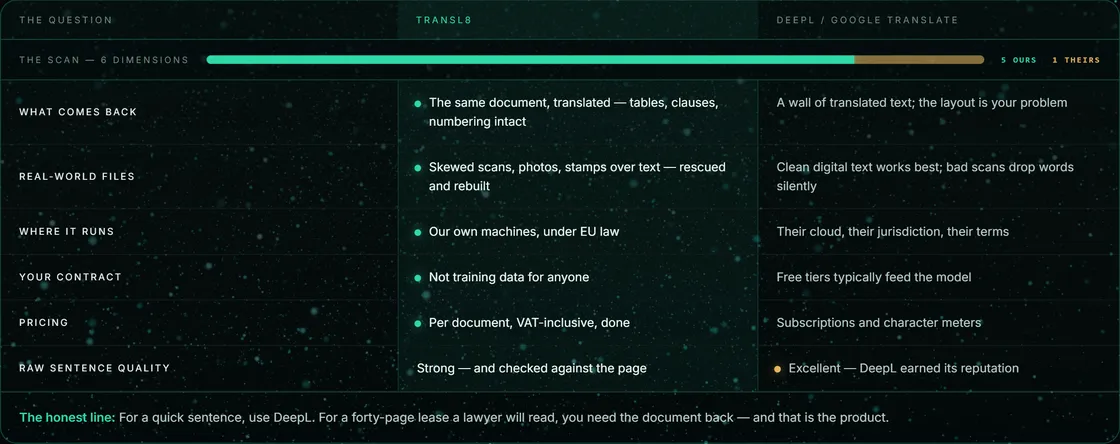
CapEx on hardware + power vs OpEx on seats and tokens. For heavy daily use, ownership often wins. For occasional light use, cloud may still be cheaper.
S◉LOCK packaging
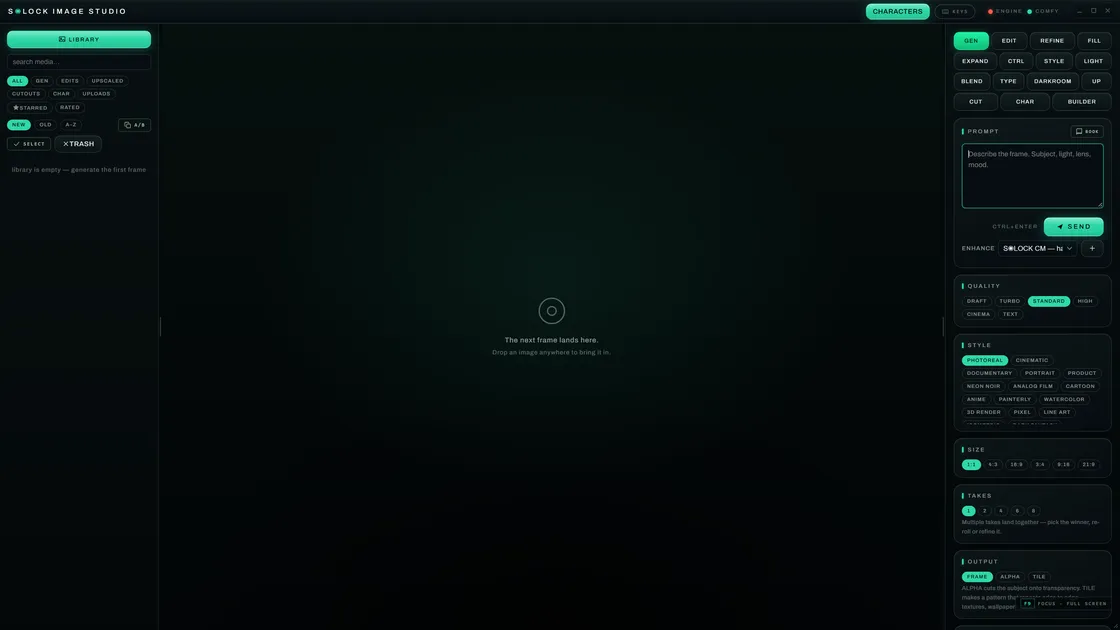
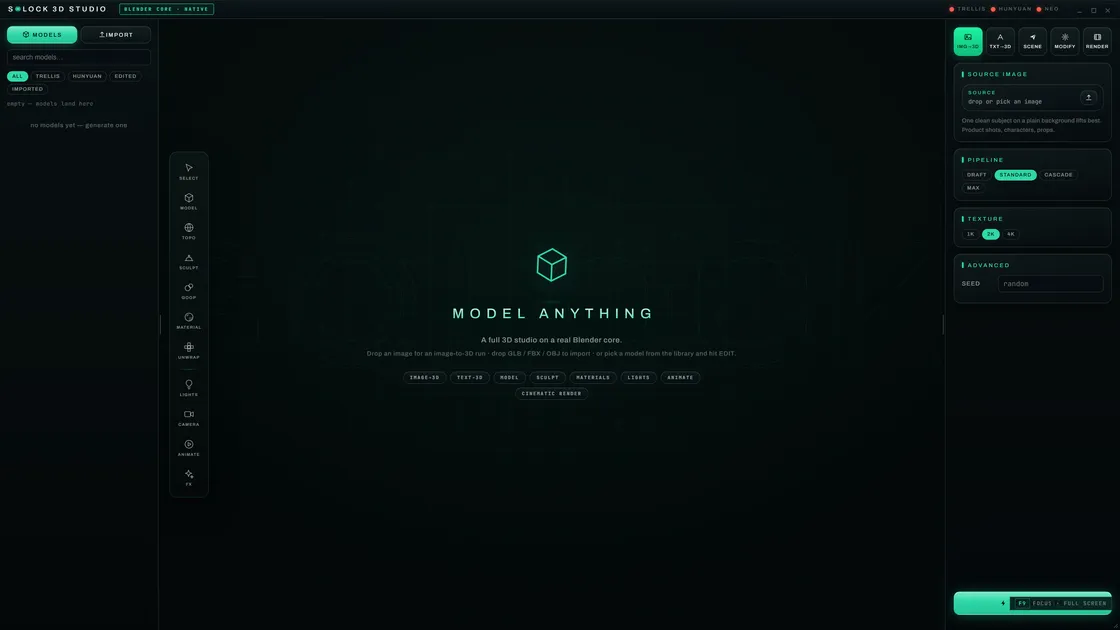
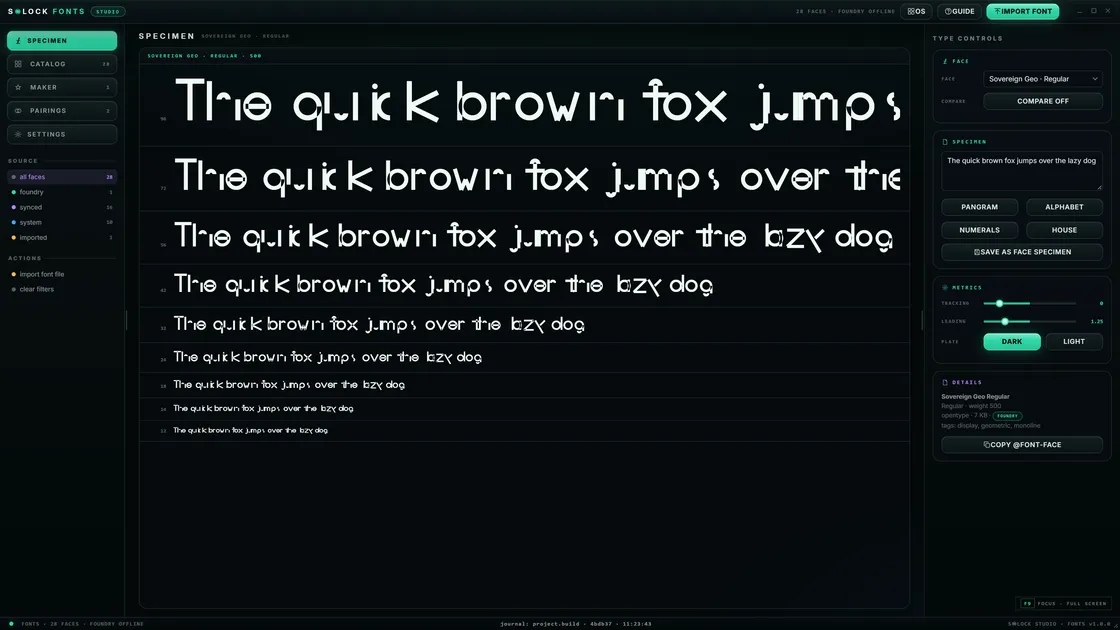
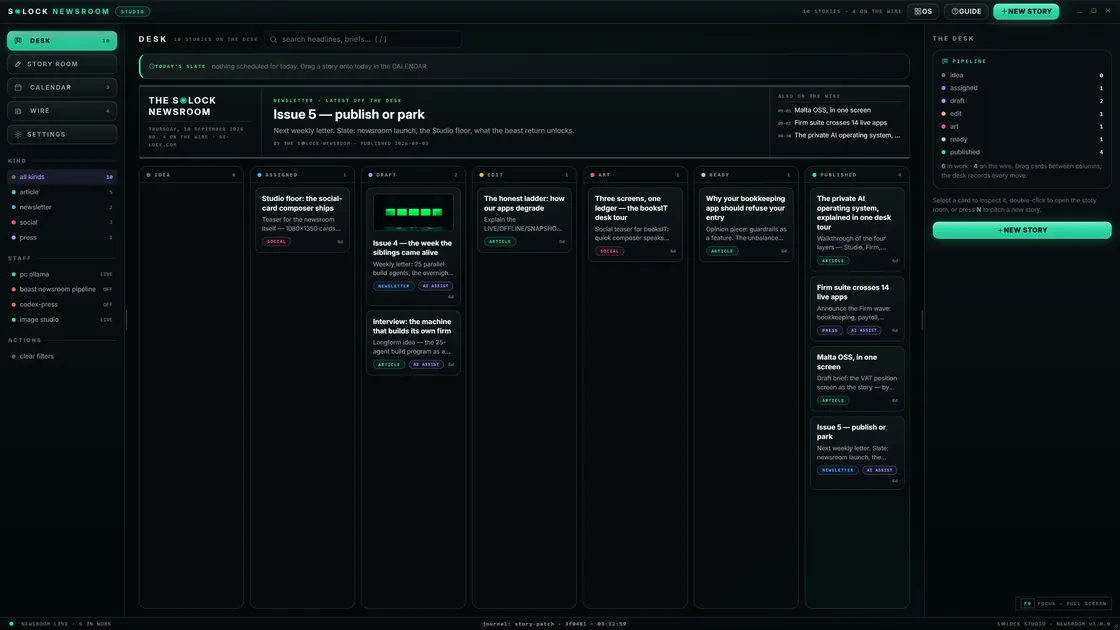
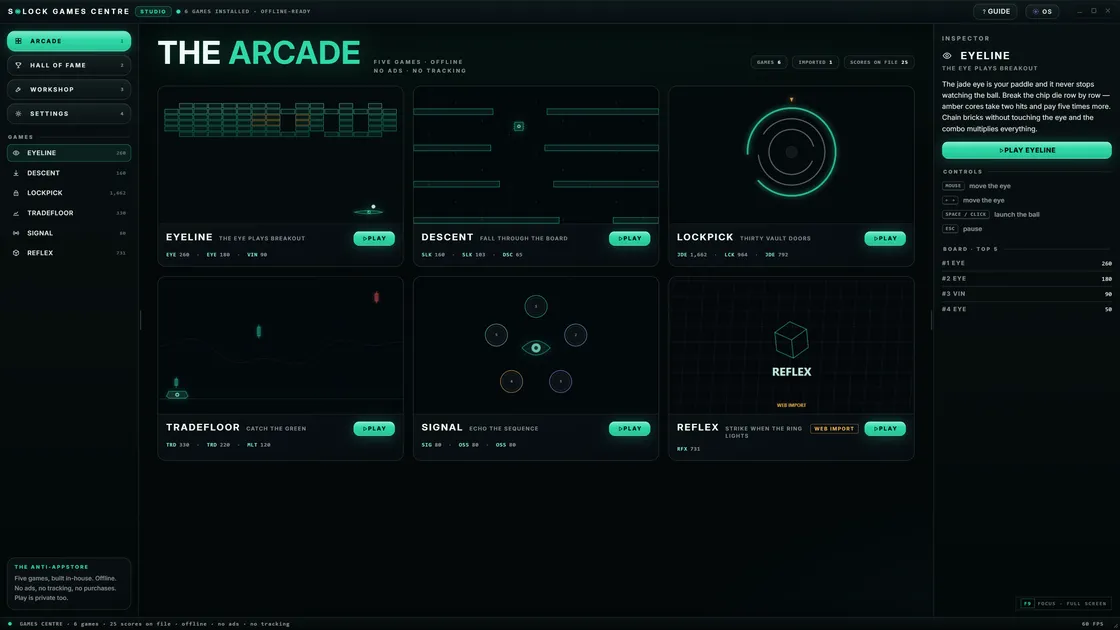
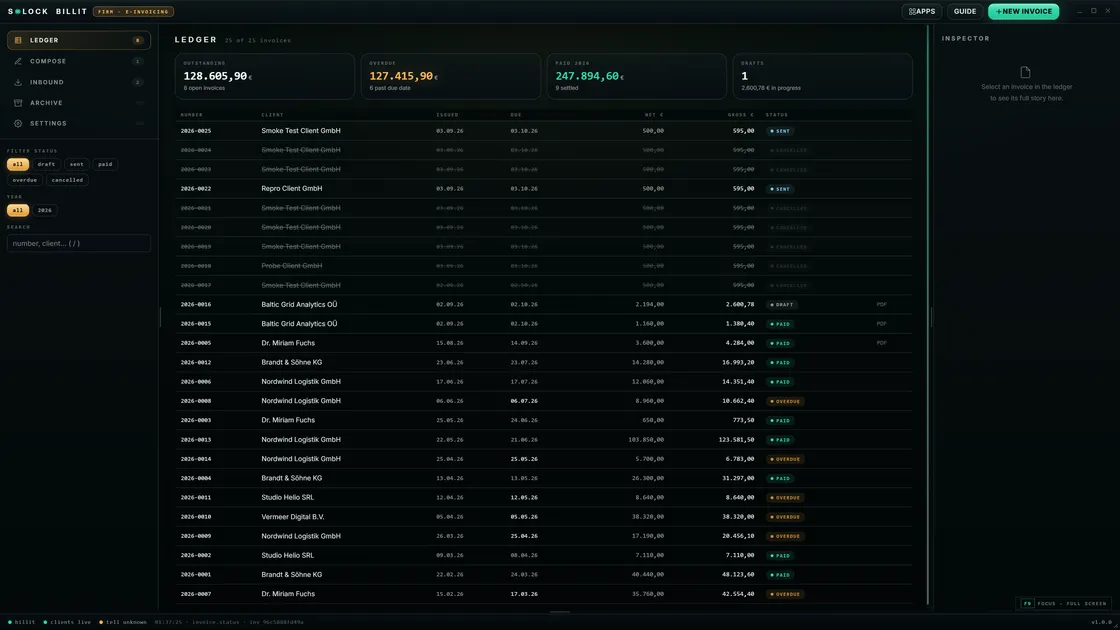
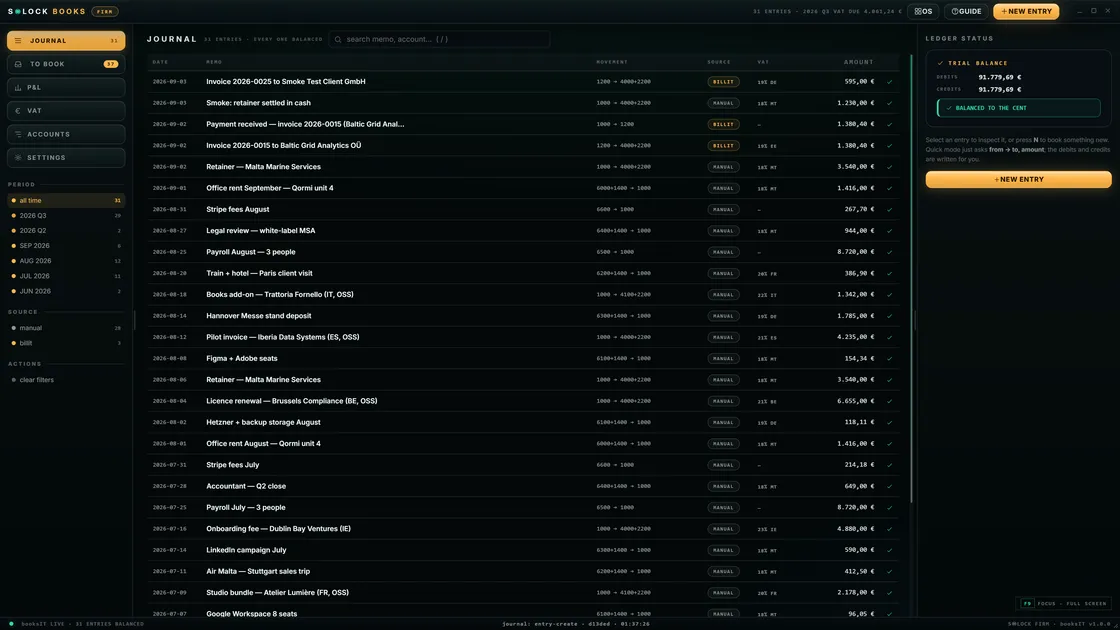
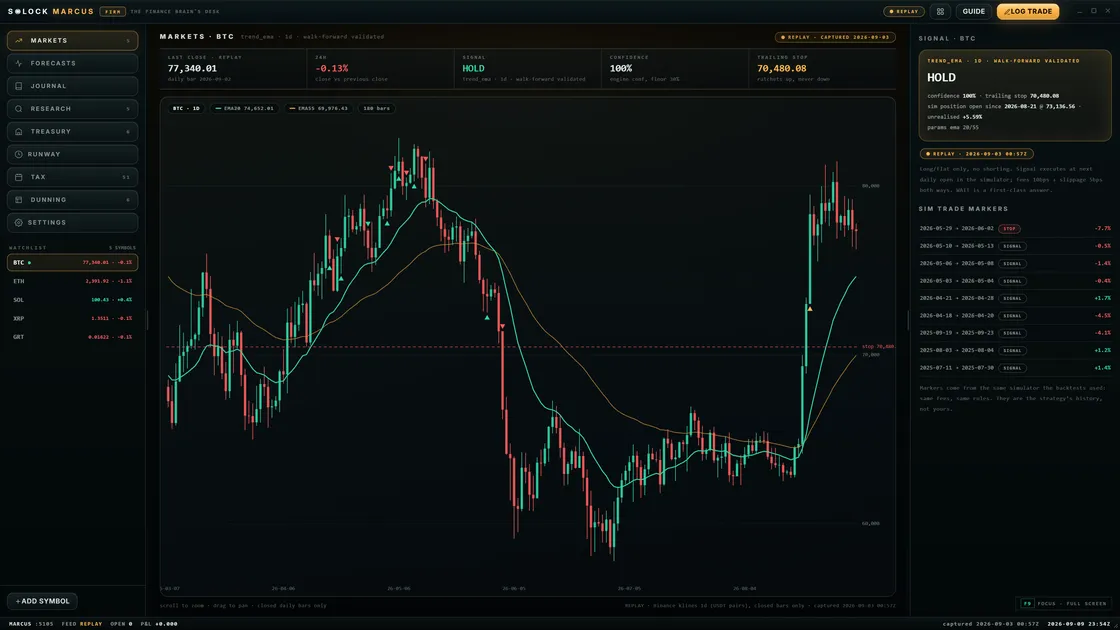
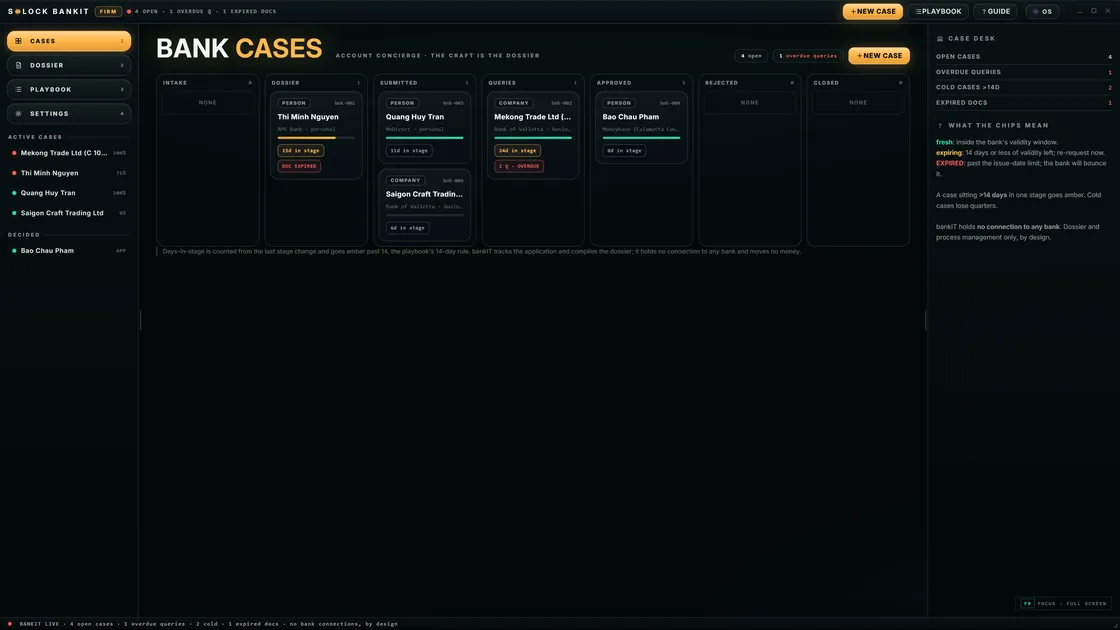
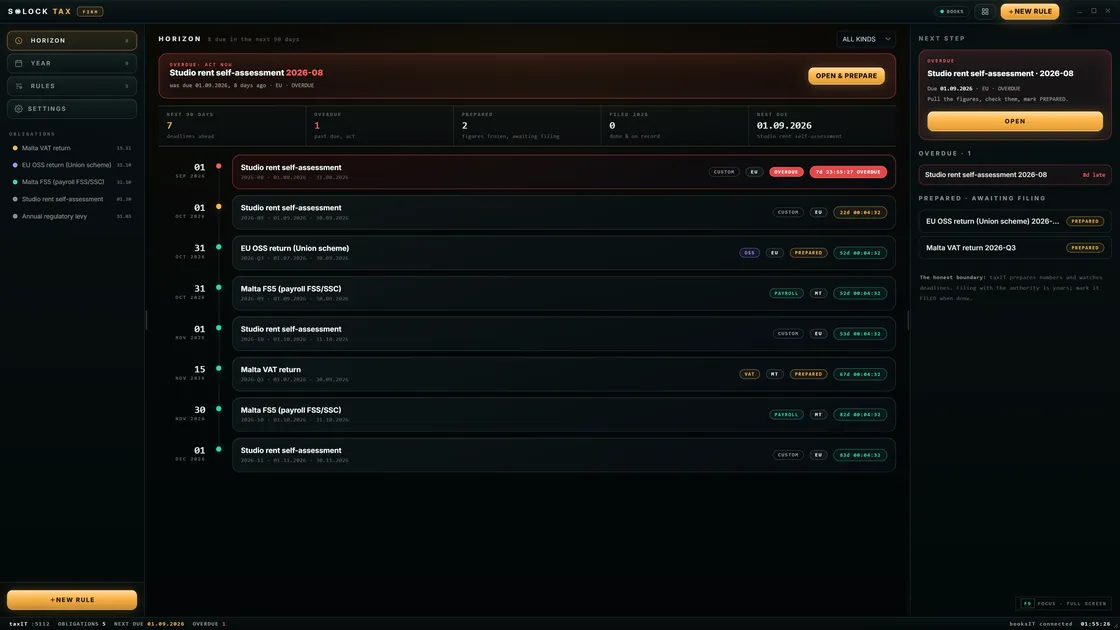
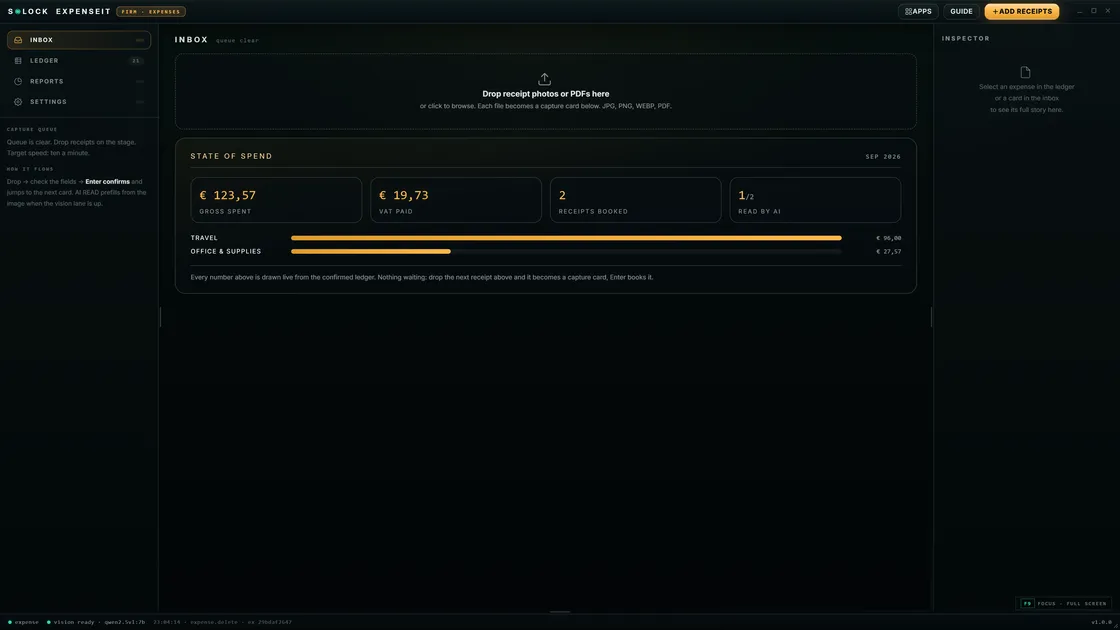
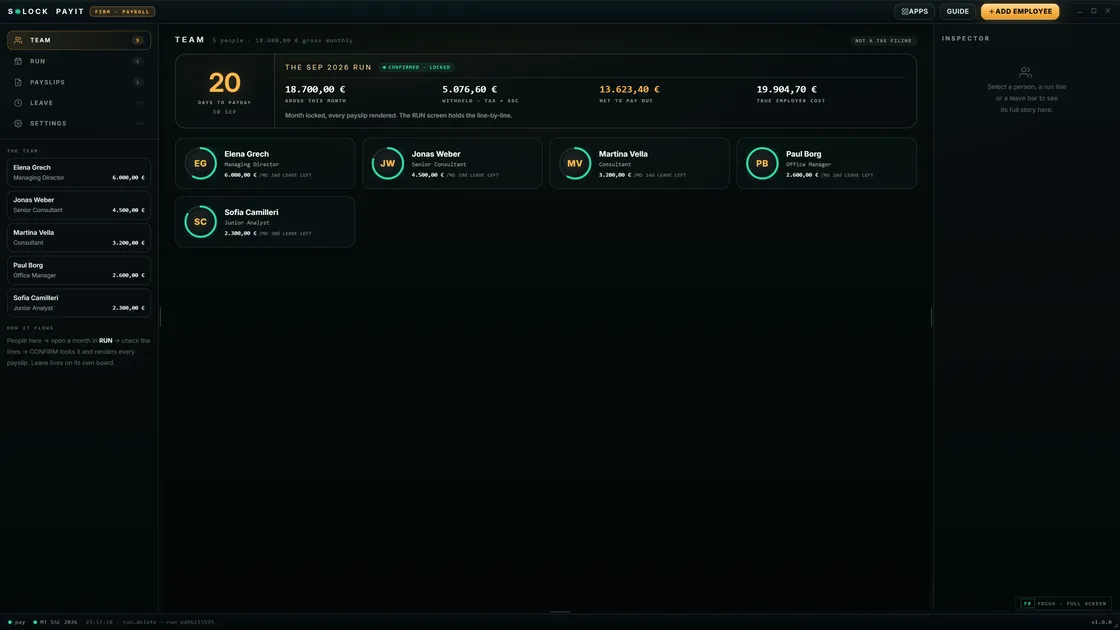
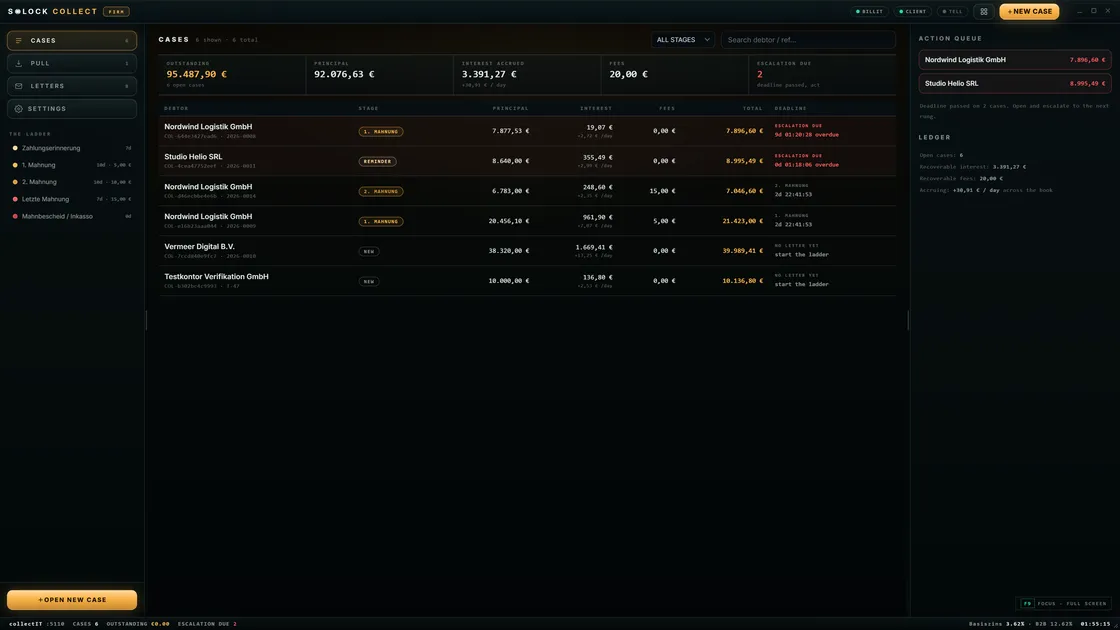
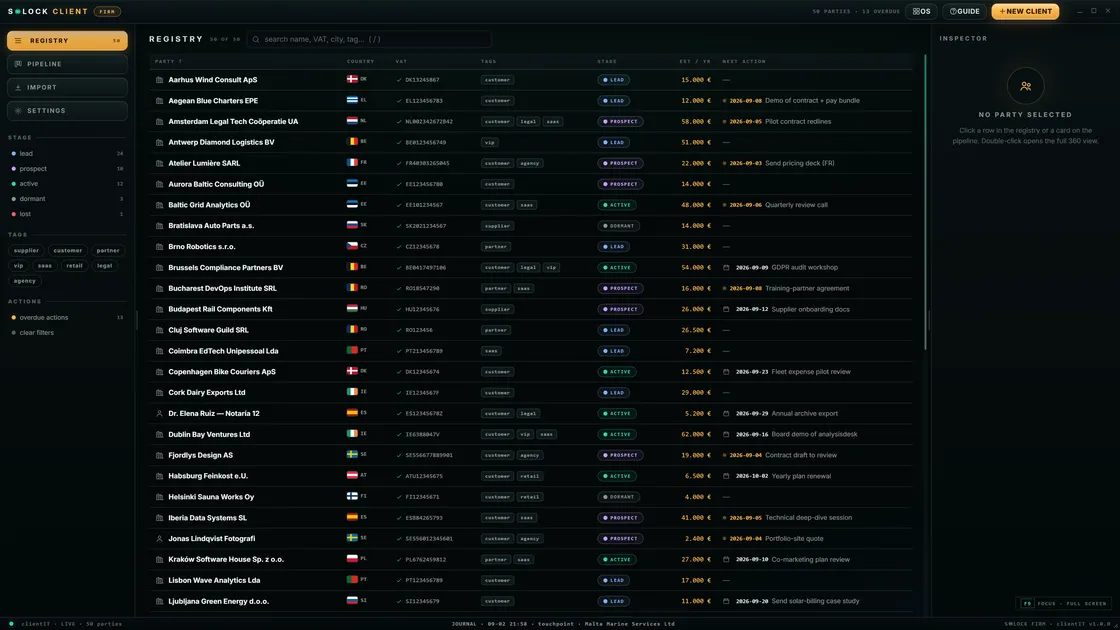
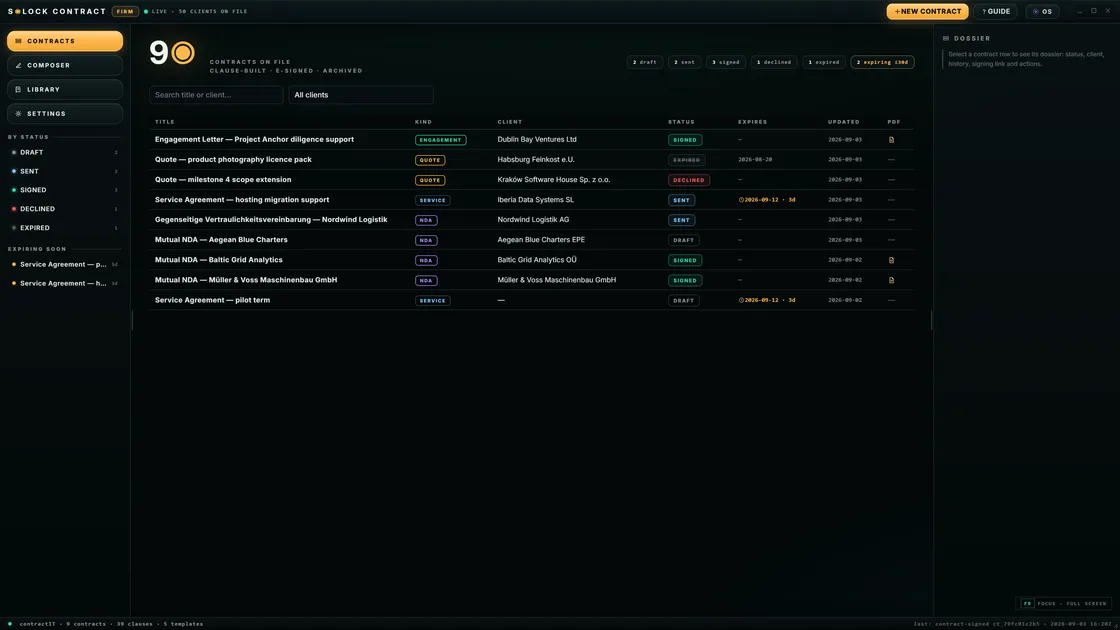
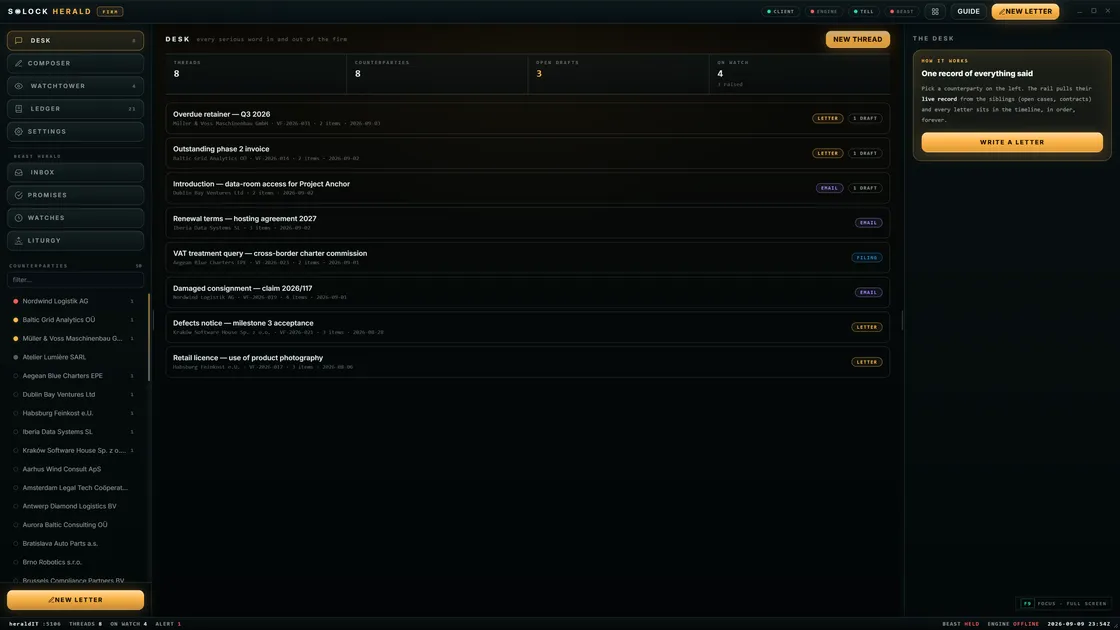
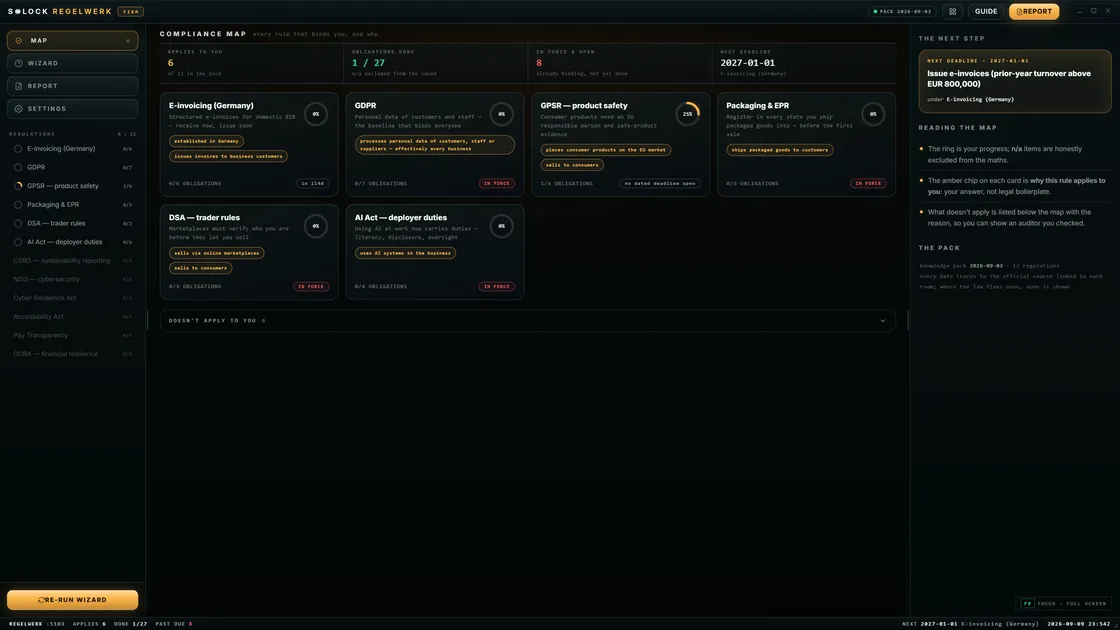
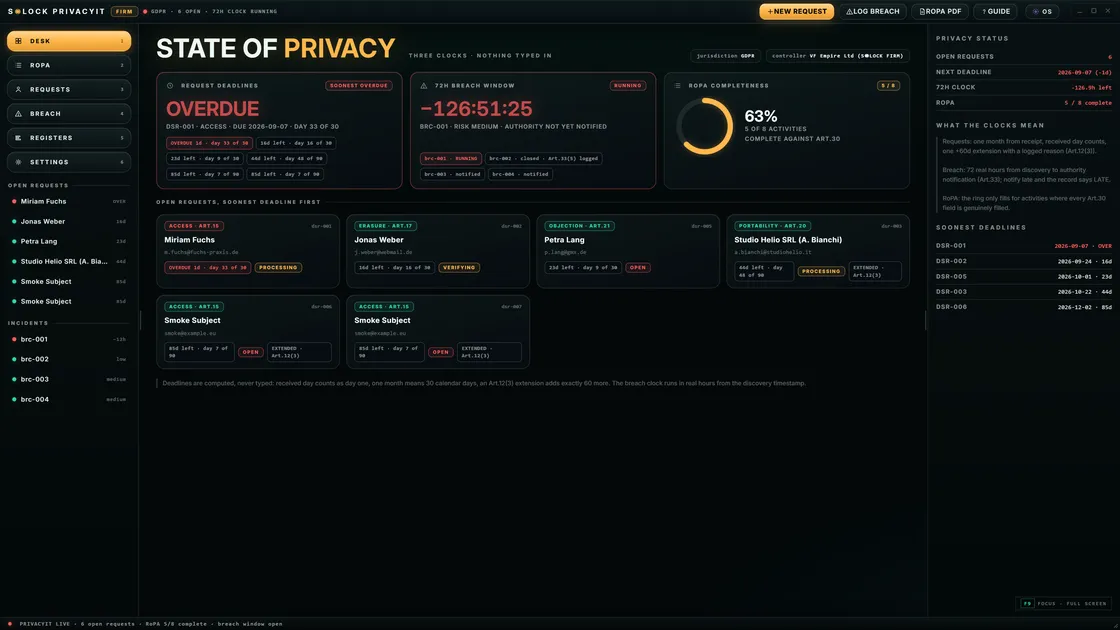
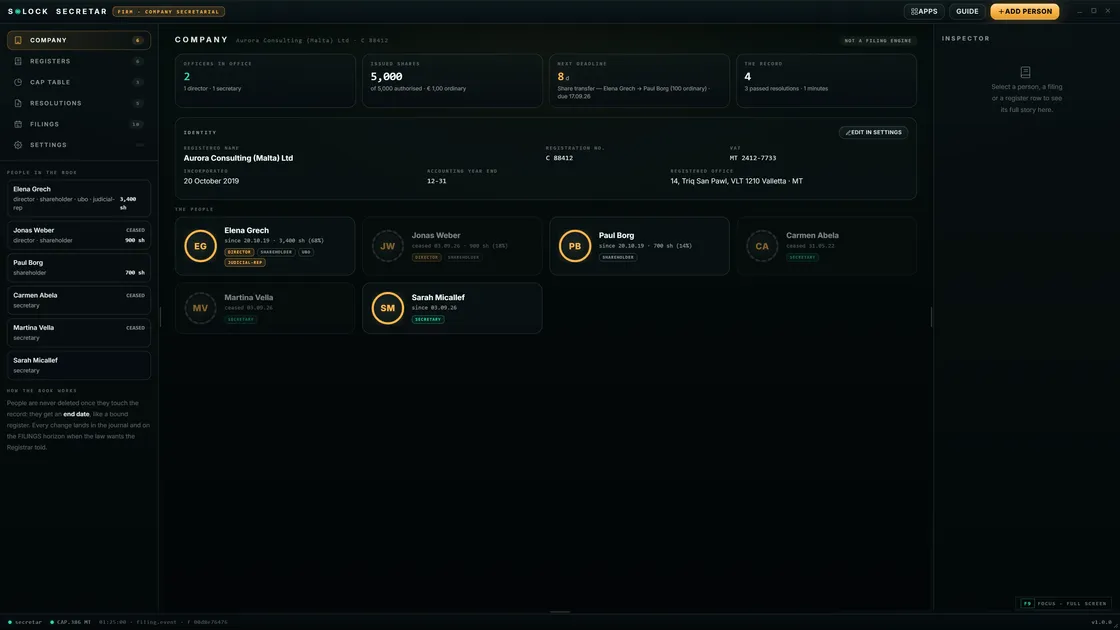
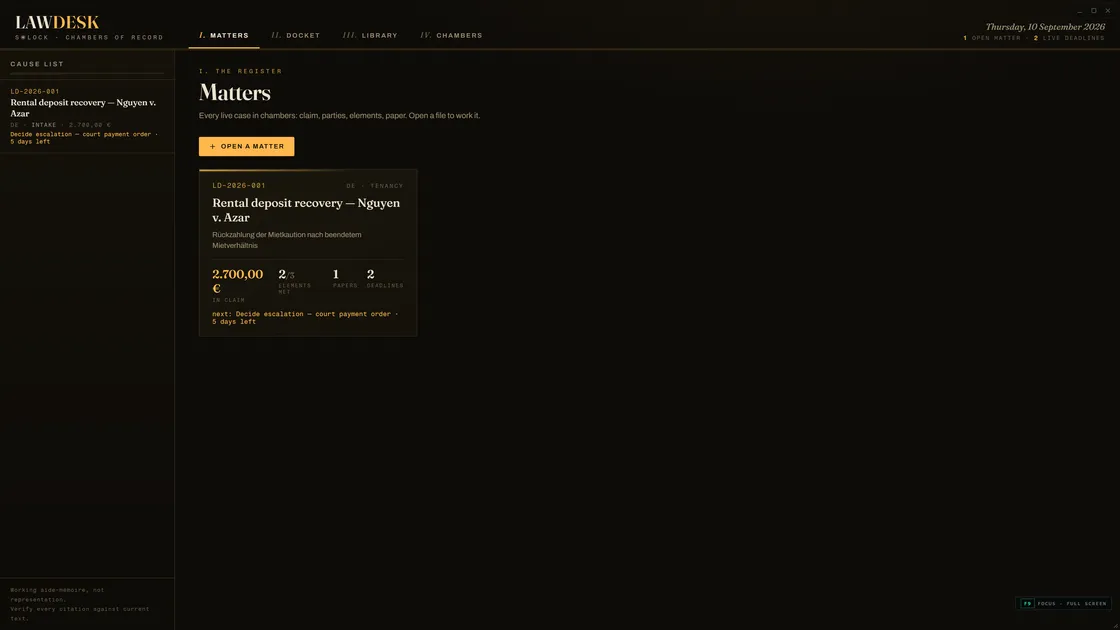
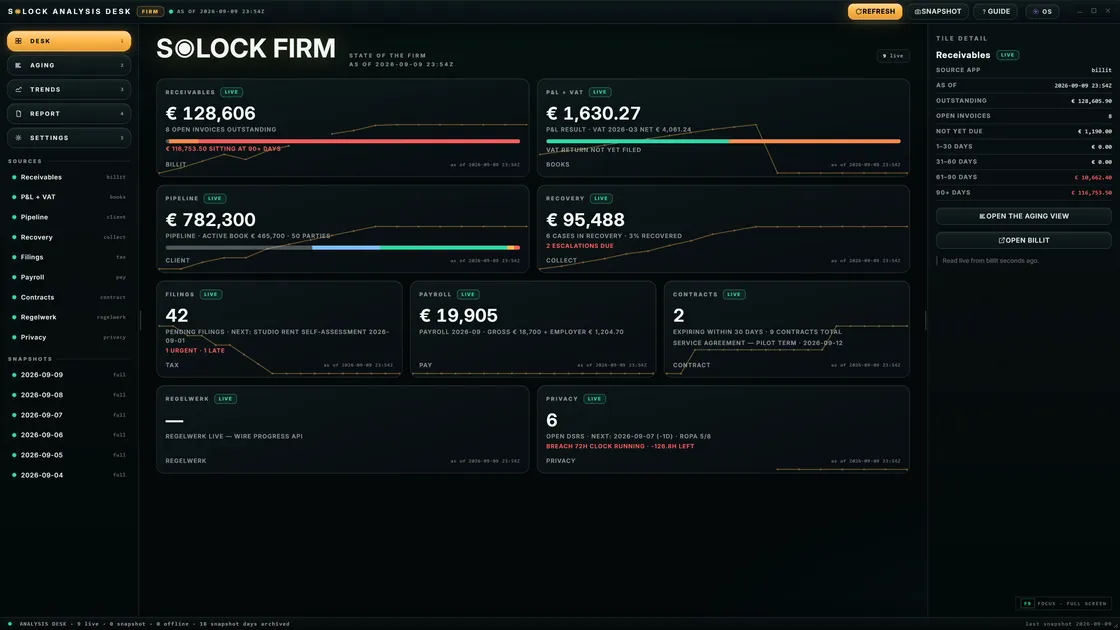
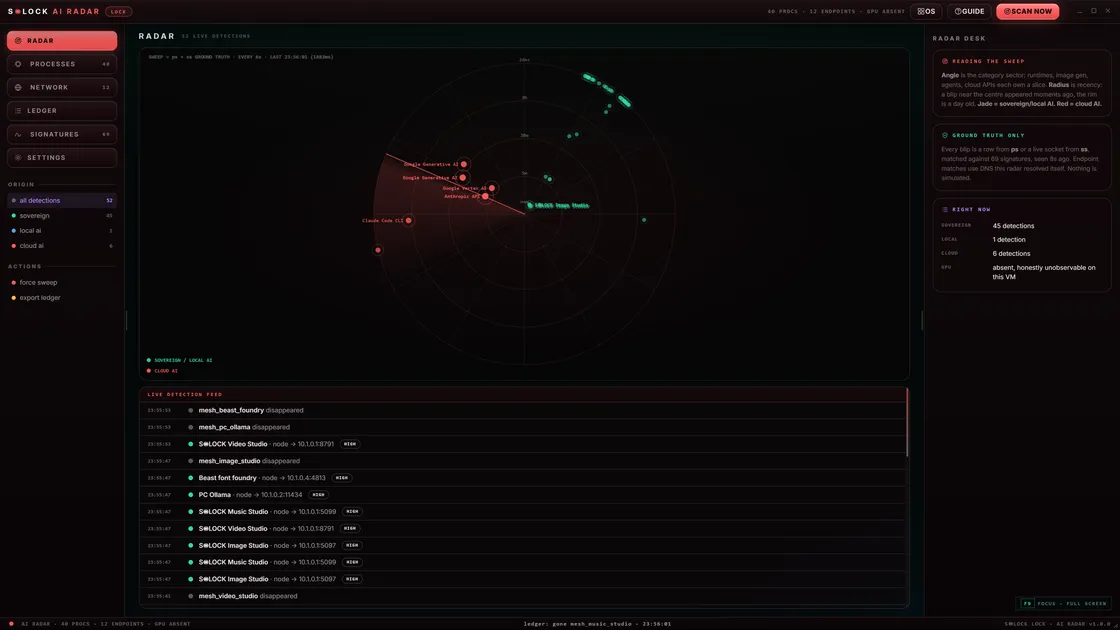
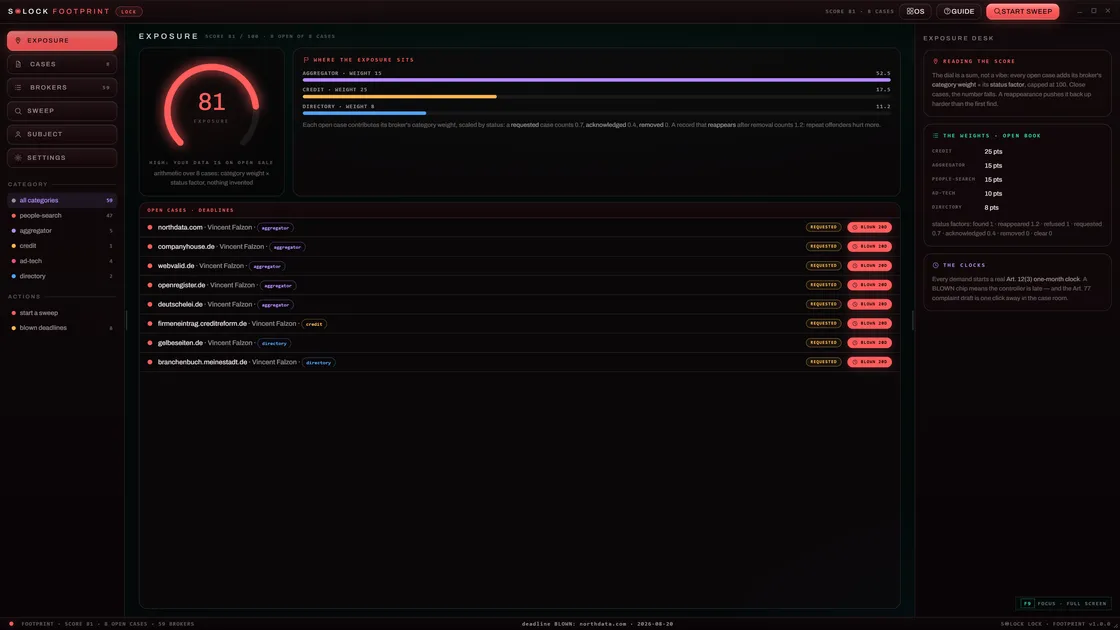
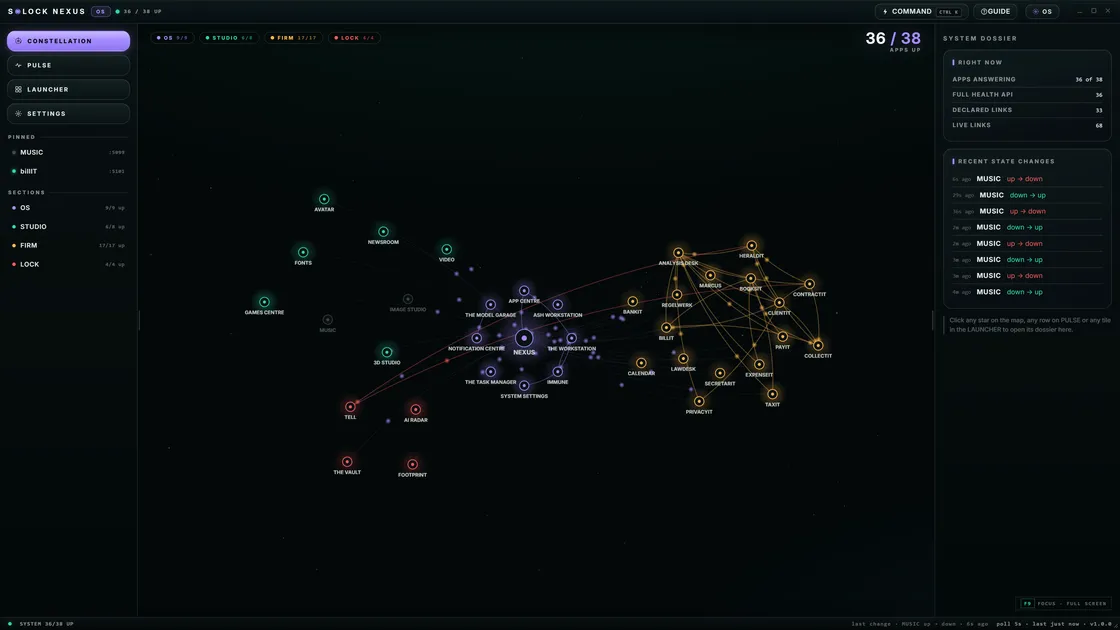
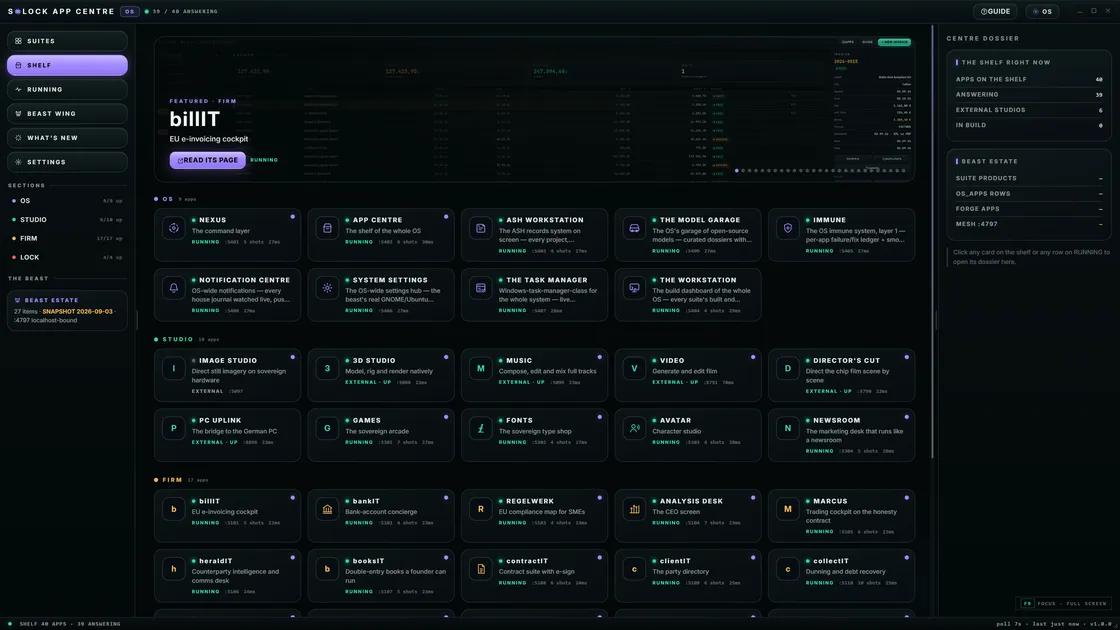
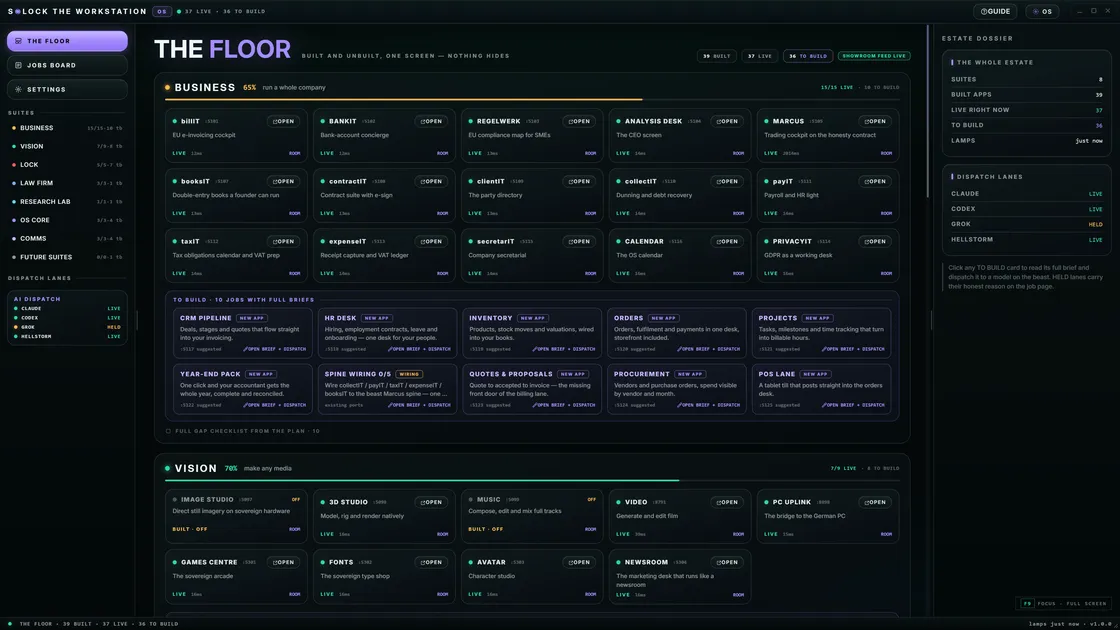
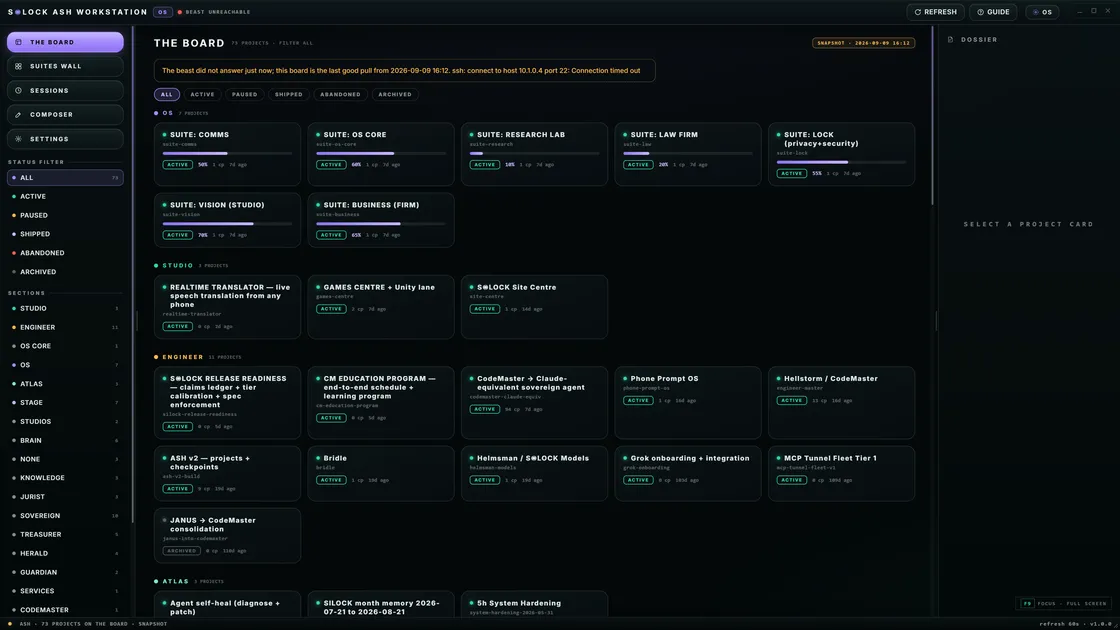
Founding Preview targets an AI-native private desktop path with model plugins and Helmsman for deep open libraries — early seats, honest hardware, EU-born design.
Next step: Study the Helmsman model catalog, weigh your build against the hardware floors, or put your name down for the Founding Preview.
FAQ
- Can I self-host on a Mac or Windows PC today?
- Many local runtimes support them. S◉LOCK’s Founding path is Linux/desktop oriented as an AI-native system product.
- Is self-hosted AI secure by default?
- You still patch the OS, control accounts, and review agent permissions. Local removes cloud multi-tenancy; it does not remove basic security hygiene.
Related guides
Self-hosting sorted — now give it a proper desk
Founding Preview places a limited number of early operators on the full desktop path — EU-born, local-first, cloud only when you say so.
Request Founding access