 LOCK
LOCK


 01
01 03
03 04
04 06
06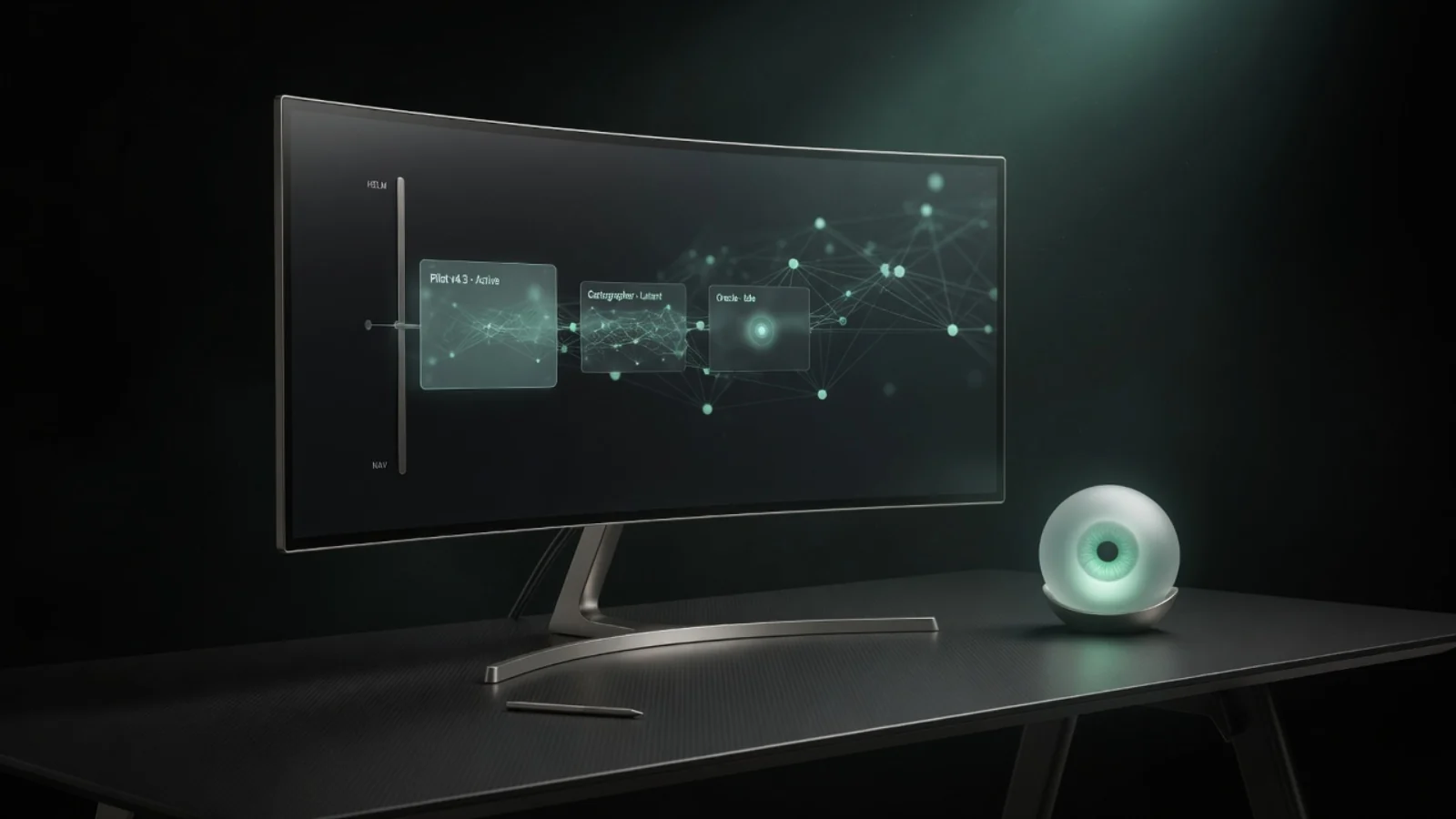 07
07 08
08 10
10 11
11 12
12 13
13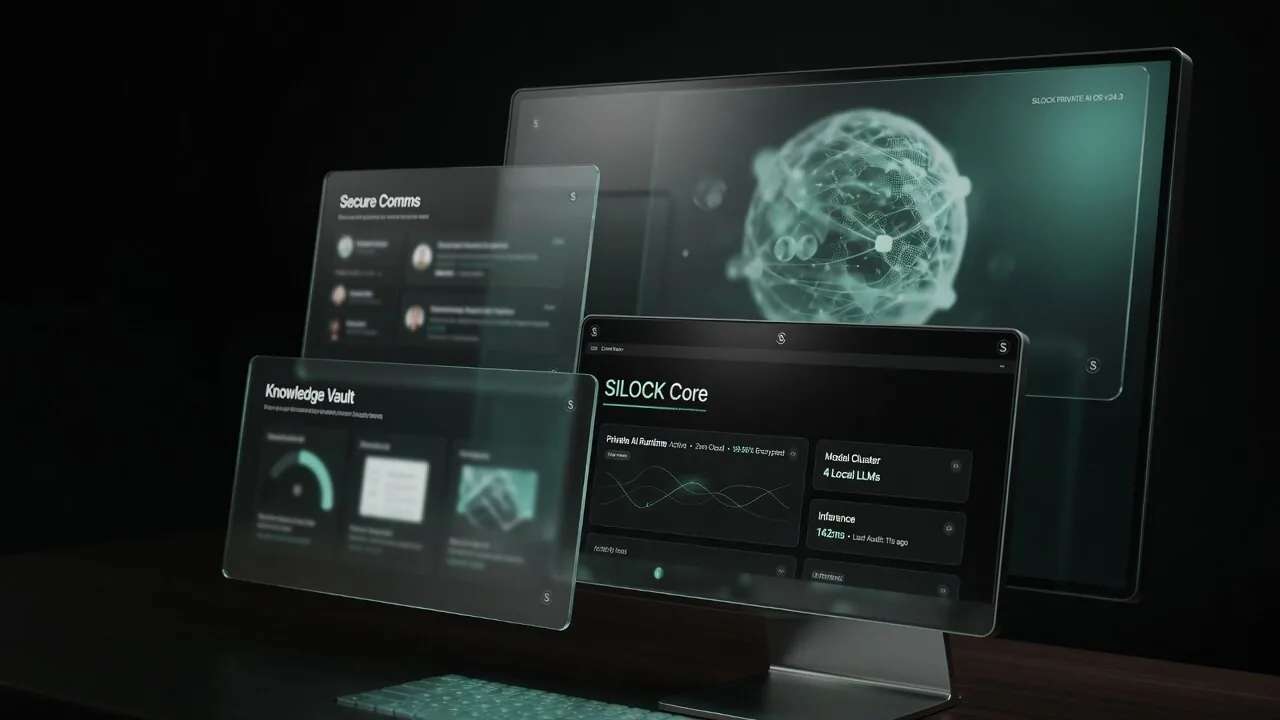 17
17 18
18 20
20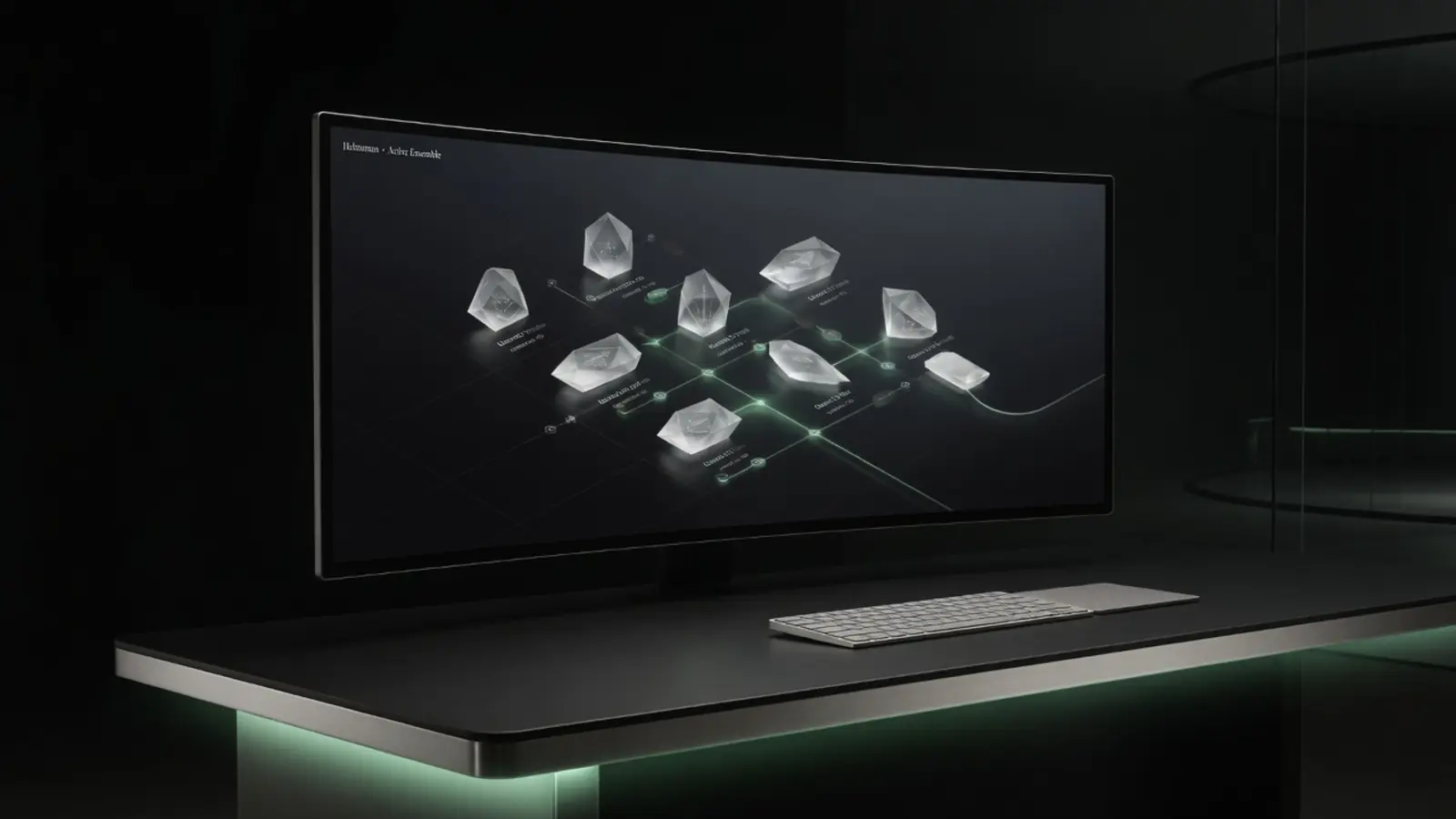
How to runan LLM locally
Step-by-step guide to running large language models on your own hardware: open weights, quantisation basics, RAM/GPU tips, and curated install paths for private local AI.
What “running an LLM locally” means
You download (or attach) model weights and run inference on your CPU/GPU. Prompts stay on-box unless you deliberately export them. This is the core of private, self-hosted language AI.
Pick a model class that matches hardware
7B–14B class models are common on strong personal machines. Mid-size code models need more RAM/VRAM. Sparse multi-trillion-parameter open libraries are Lab-class: high RAM, huge NVMe, job-oriented latency — not phone chat.
Quantisation in one minute
Quantisation shrinks weights so they fit more hardware, with quality trade-offs. Catalogs should document format and floors so you are not guessing alone.
Typical DIY stack
People use common open runtimes and custom engines. DIY works for tinkerers. Product paths add checksums, purpose docs, licence notes, and system integration — without requiring you to assemble the kitchen yourself.
Curated catalog approach
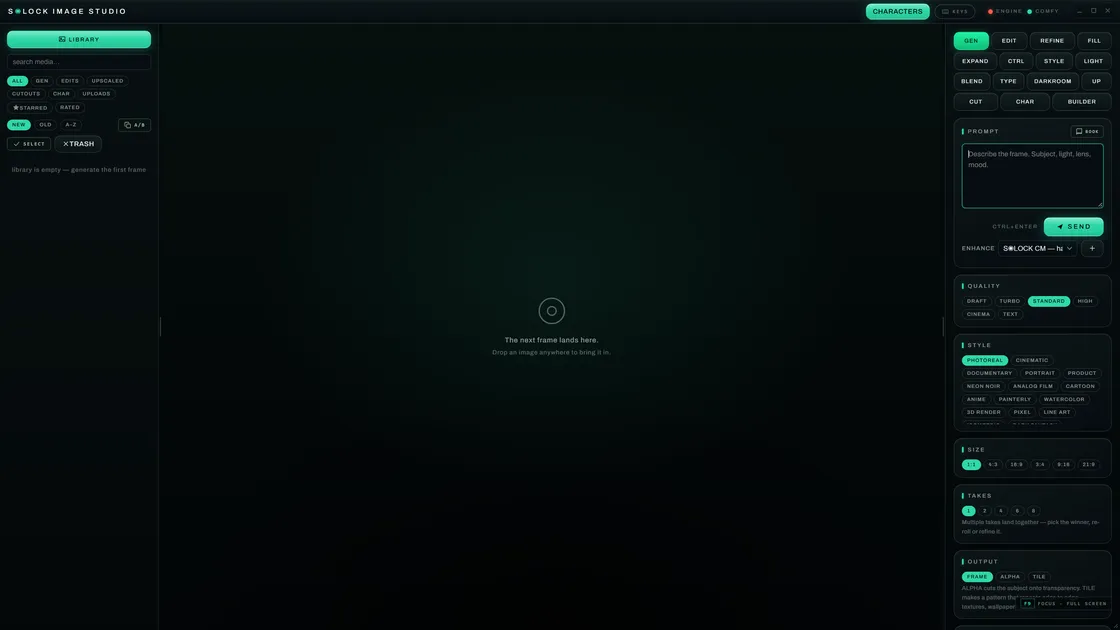
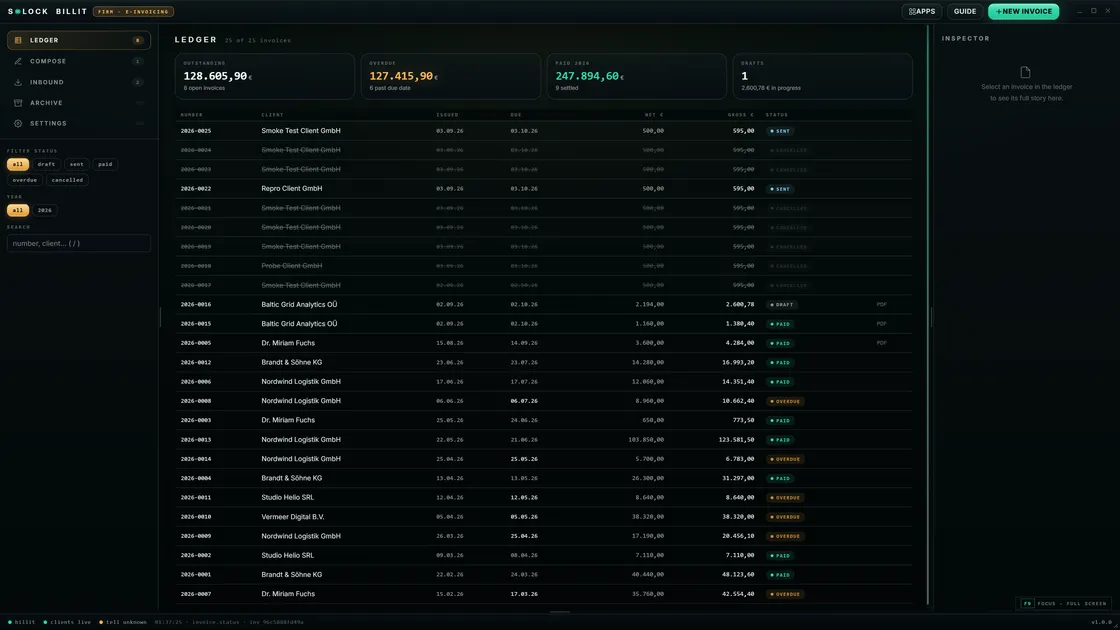
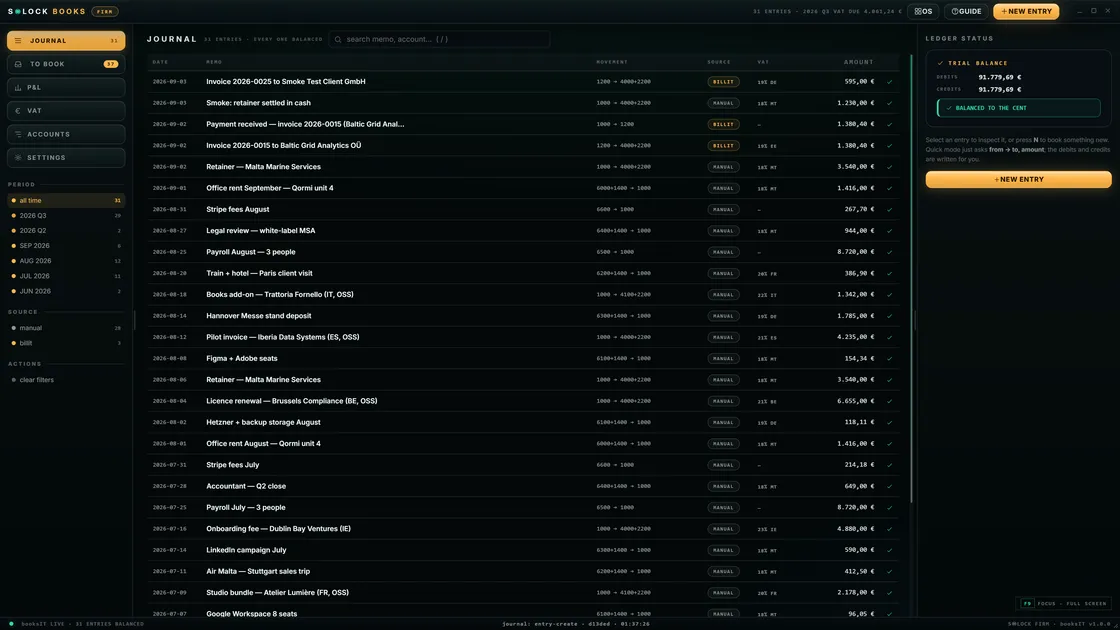
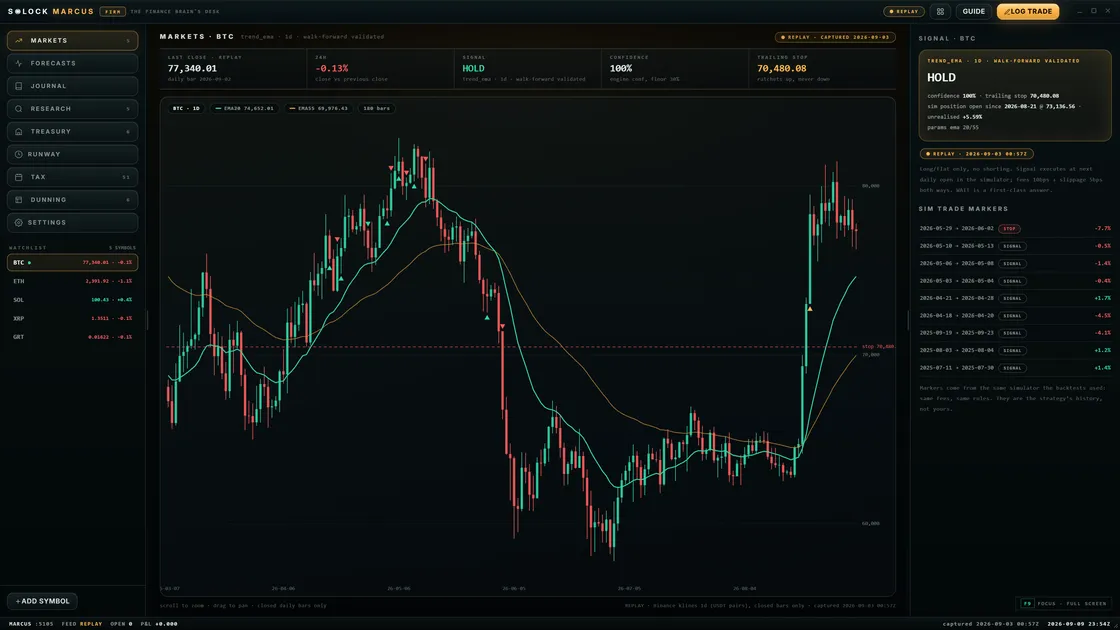
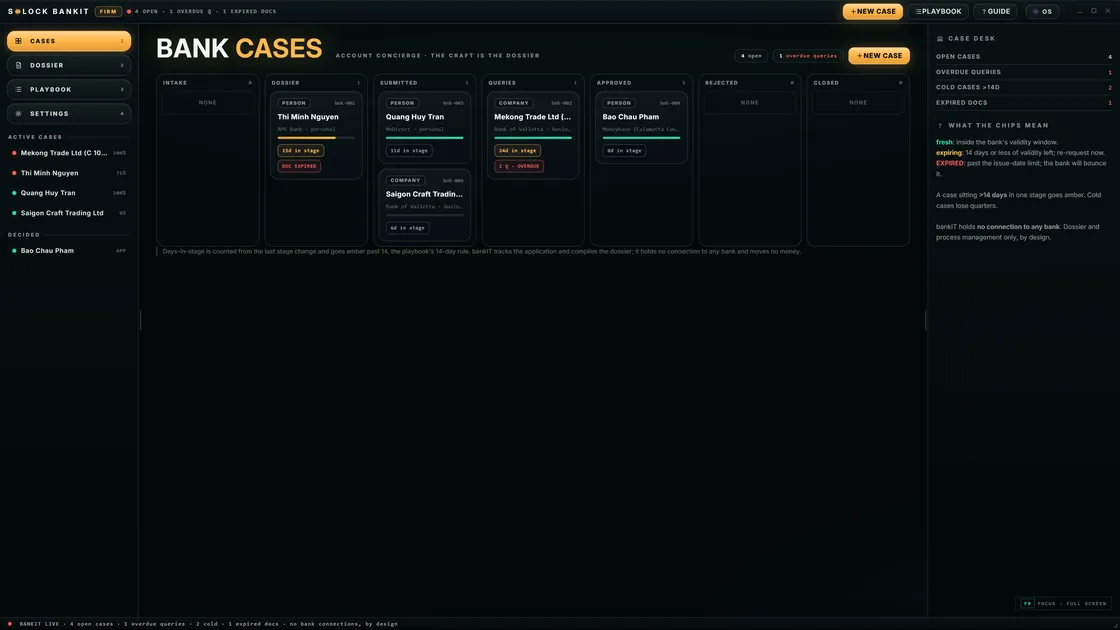
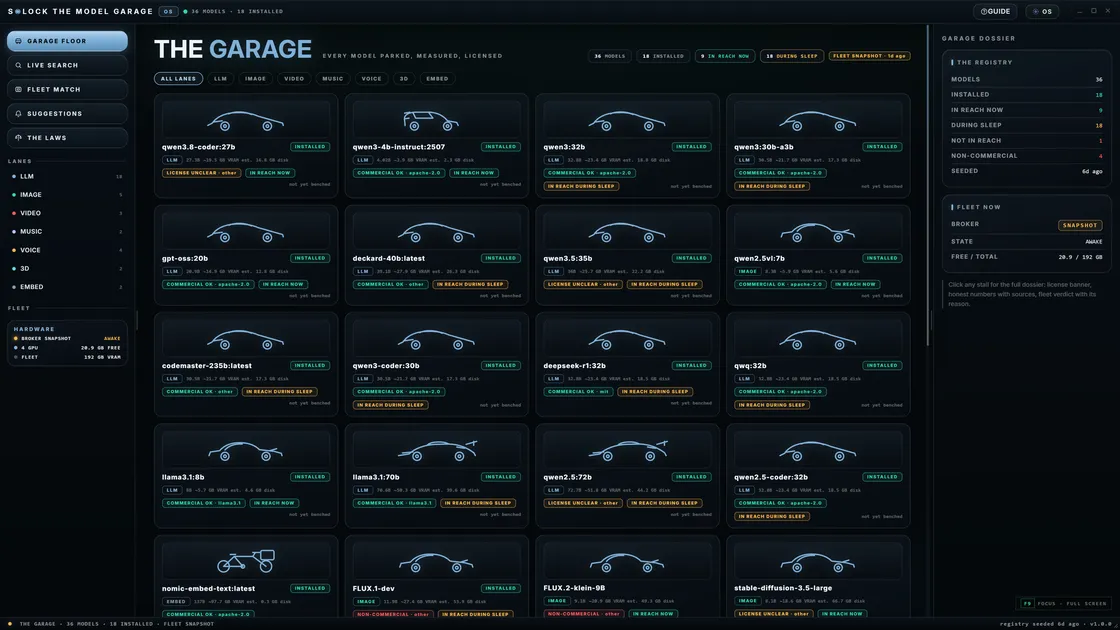
S◉LOCK targets installable model plugins: the SILOCK models CLI, `info`, `install`, `enable` — with hardware and purpose docs. Large weights still live on your disk; they are not smuggled into a multi-terabyte OS ISO.
Performance honesty
Tokens per second depend on model size, quant, CPU/GPU, and memory bandwidth. Frontier sparse models under Helmsman are budgeted jobs, not fantasy ChatGPT speed claims.
Next step: Choose a first model in the Helmsman catalog, verify the hardware floors, or skip ahead and request Founding Preview access.
FAQ
- Do I need a GPU?
- No for many smaller models. A GPU helps speed and larger contexts. Helmsman Lab work is often RAM and NVMe bound as much as GPU bound.
- Is it legal to run open models?
- Follow each model’s licence. Open weights are not a free commercial blank cheque for every use case. Read SPDX and upstream terms.
Related guides
From first local model to a full private desk
Past the first model, Founding Preview offers a limited set of early seats on a complete private desktop — EU-built, local-first, no automatic cloud detour.
Request Founding access